 AtlasOS
The Linux desktop for people who build things.
AtlasOS is Fedora and KDE Plasma, tuned and trimmed. Your tools are already installed, updates wait until you're ready, and if one ever goes wrong, it rolls itself back.
Fedora 44 · KDE Plasma 6 · Free and open source
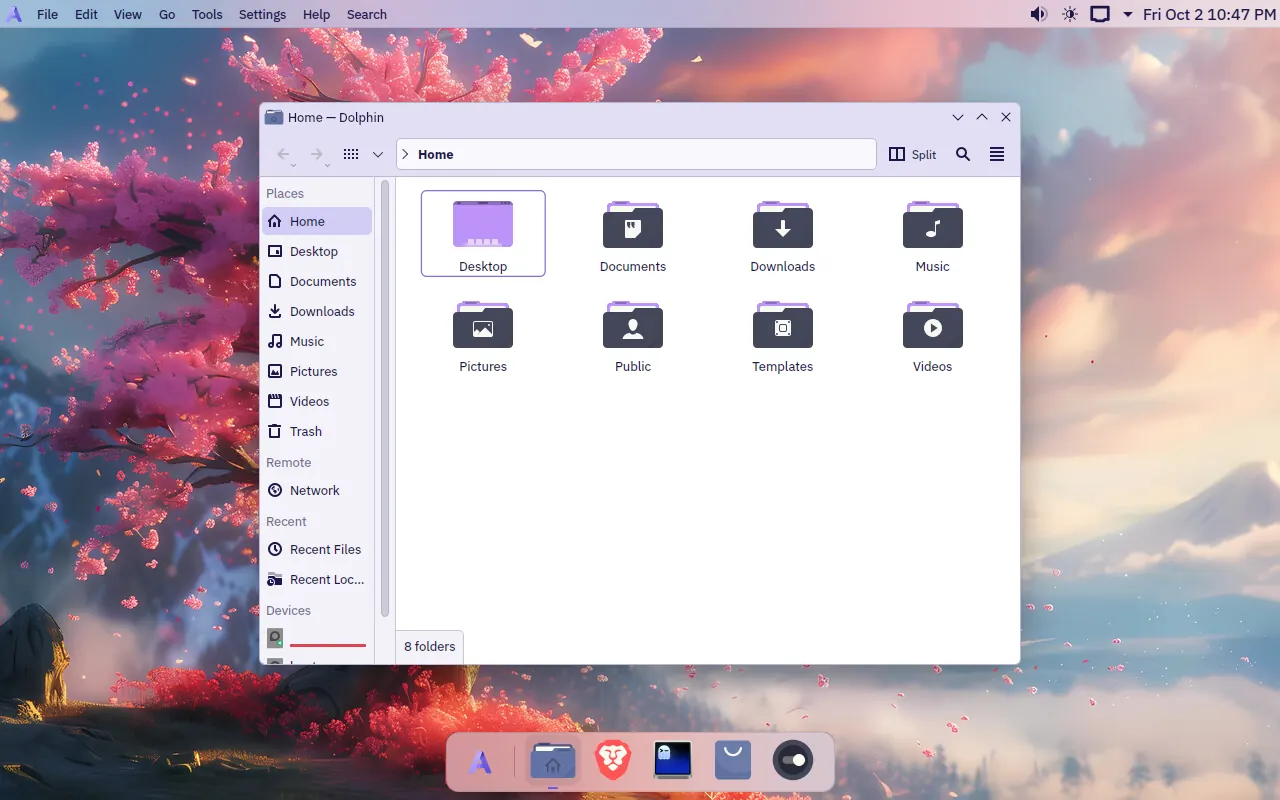
Open a terminal and start.
No afternoon of setup on a new machine. What you'd install first is already there, and the system itself stays out of your way.
- Terminal
- Ghostty on Ctrl+Alt+T, and “Open Ghostty Here” in Dolphin.
- Containers
- Podman with a
dockercommand and compose. Toolbox and Distrobox for mutable environments. - Runtimes
- mise for Node, Python, Go and the rest.
- Command line
- git, gh, just, jq, ripgrep, fd, btop, gdb, strace and perf.
- Editing
- Kate by default, with file watch limits raised for big projects.
- Everything else
atlas, a menu for Homebrew, Docker tools on Podman and JetBrains Toolbox. Where software goes.
❯ gh repo clone you/project && cd project❯ mise use node@22 # Node, Python, Go and friends, per project❯ docker compose up -d # Podman underneath, the commands you know❯ just test❯ toolbox enter # a mutable Fedora when you need dnf❯ atlas # Homebrew, JetBrains Toolbox, the update channel❯ Updates that wait for you.
Nothing restarts in the middle of a build. Nothing half-installs. And a bad update isn't your evening.
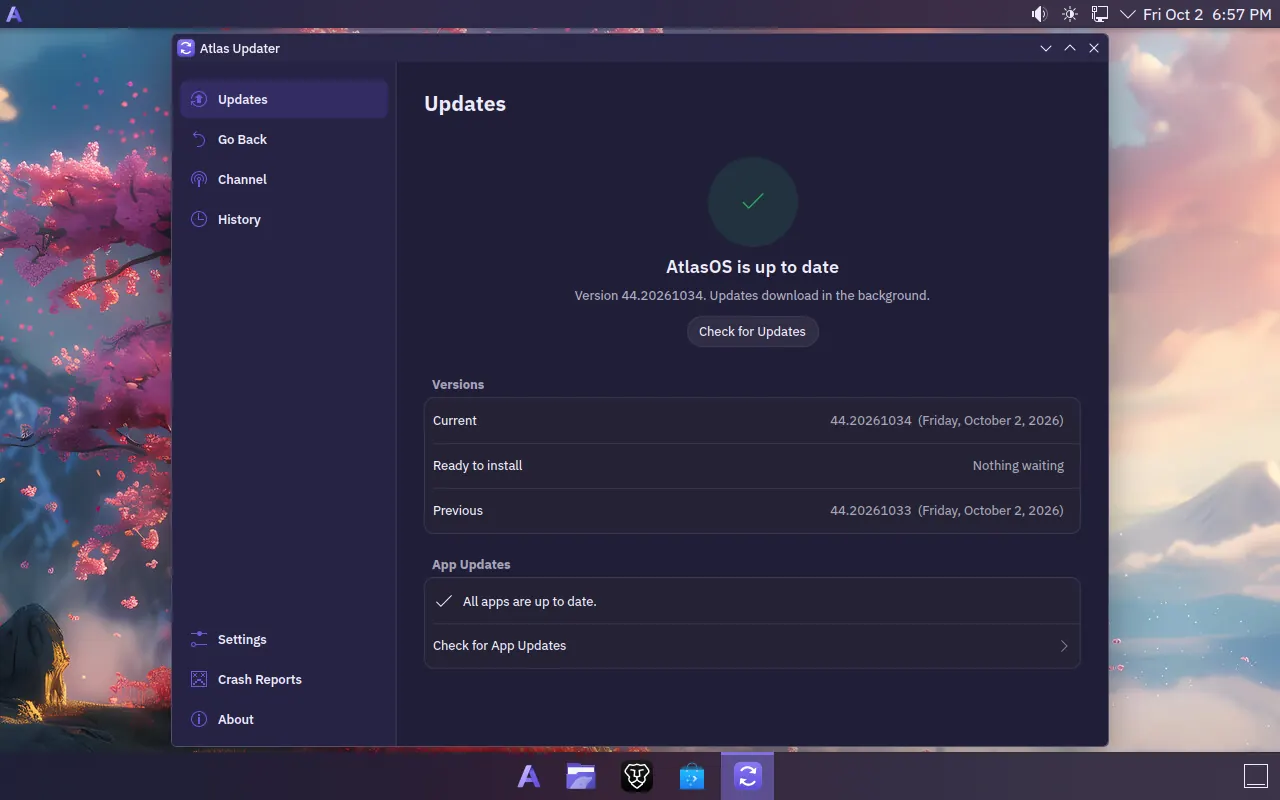
Downloads while you work
Atlas Updater sits in the tray and fetches the next version in the background. The whole system is one tested, signed image, updated in one piece.
Restarts when you say
Restart now or pick a time. See what's new before you do, and update your Flatpak apps from the same window.
Goes back in one click
Don't like an update? Go Back returns you to the previous version, which is always kept.
Rolls itself back
If a new version fails its startup checks, AtlasOS boots the last good one on its own, and won't download that version again.
Two channels: Stable, weekly, and Testing, daily, for the brave. Updates install only if they carry the AtlasOS signature.
Half the memory, before you open anything.
AtlasOS keeps what's good about Fedora and Plasma and drops what most people never use, so your editor, your containers and your browser get the memory instead.
The desktop is ready about 8 seconds after the kernel starts. How it got there, change by change.
Memory in use at idle
An 8 GB virtual machine, two minutes after login.
Looks finished on the first boot.
Plasma's own Breeze and KWin, set up properly, so nothing extra runs in the background to make it look this way.
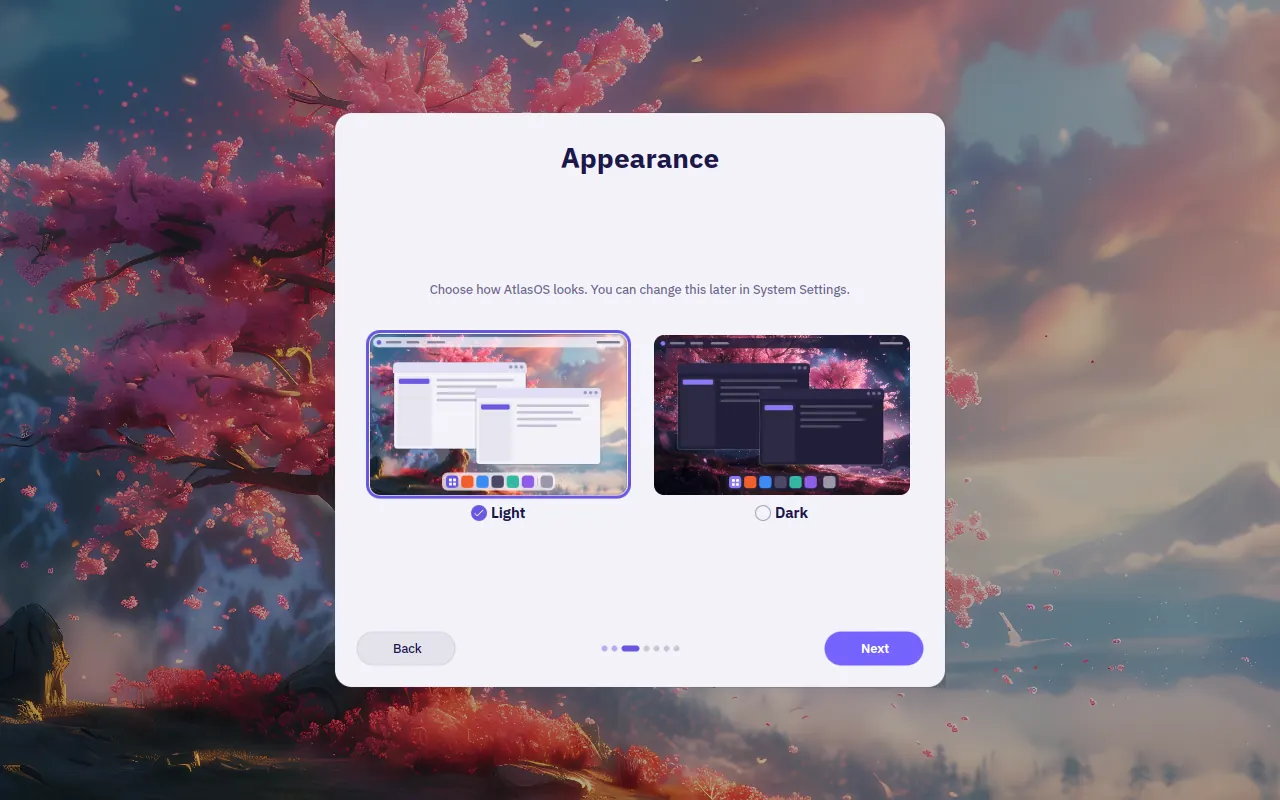
- A menu bar on top, a floating dock below, both see-through and blurred
- Rounded windows, soft shadows and acrylic-style menus
- Two themes, AtlasOS Light and Dark, and the wallpaper turns to night with Dark
- Bibata cursors and Dracula icons
- IBM Plex Sans for the interface, JetBrains Mono for code
- A matching login and lock screen, and its own boot splash
Less, on purpose.
No pile of apps you'll never open, and nothing reporting home.
Left out
- Akonadi
- The Baloo file indexer
- KDE Connect
- Telemetry
- Apps you would never open
In their place
- Brave Origin as the browser
- Flathub, set up, for everything else
- Crash reports off by default. Turn them on and you read each one in full before it goes. Privacy
Get AtlasOS
One ISO per graphics setup. It boots a live session with the installer already open, and installs the same signed image that updates itself afterwards.
AtlasOS
For Intel and AMD graphics, and older NVIDIA cards on the open nouveau driver.
Version 44.20261003, 3 October 2026
aede6396bb6d6b2befacf4b2f96b6c83e16c7dd1efc439070f30642c98b05a05
atlasos-44.20261003.iso.sha256AtlasOS for NVIDIA
For GeForce GTX 16 and RTX 20 series or newer, with NVIDIA's own driver (open kernel modules).
With Secure Boot on, the installer gives you a one-time password, and you confirm the AtlasOS key with it on the first restart. Once. More about this
Downloads are shared out fairly: a few links per visitor an hour, two downloads at a time each, and a speed cap per download so the server stays quick for everyone. If every slot is busy, try again in a few minutes.
Install it
- 1Download the ISO for your graphics card.
- 2Check it. In the folder you saved it to, with the
.sha256file beside it:sha256sum -c atlasos-44.20261003.iso.sha256 - 3Write it to a USB stick of 8 GB or more, with Fedora Media Writer or any tool that writes ISOs as they are.
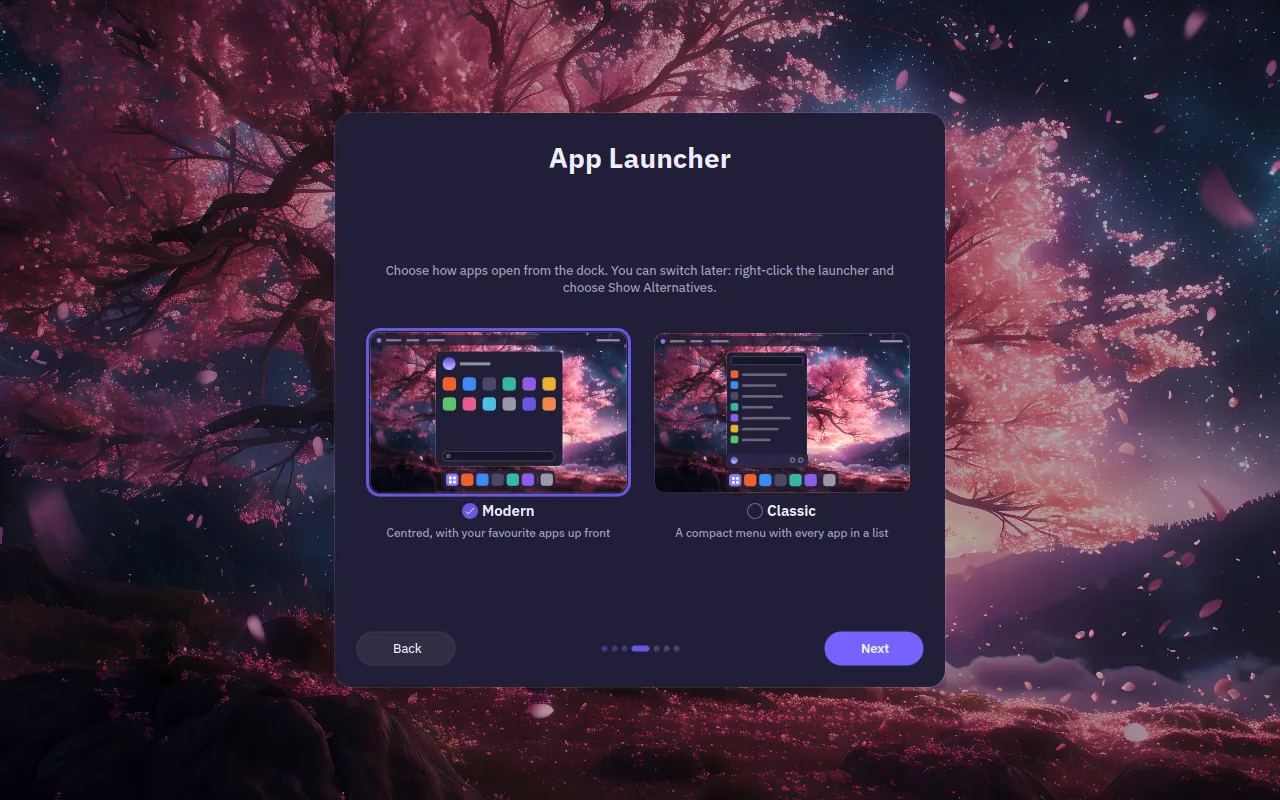
- 4Boot from the stick and follow the installer. Your first login opens the setup: language, keyboard, Light or Dark, your launcher and your account.
What it needs
- Processor
- 64-bit Intel or AMD, 2 cores
- Better: 4 cores or more
- Memory
- 4 GB
- Better: 8 GB or more
- Storage
- 30 GB
- Better: 64 GB or more, on an SSD
- Firmware
- UEFI
- Better: UEFI
- Internet
- To install and for updates
Minimum, then recommended. AtlasOS is tuned for and tested on 8 GB.
Already on Fedora Atomic?
Switch a Fedora Kinoite 44 install (or another Fedora Atomic desktop) over in place and restart. Your files in /home stay as they are. With NVIDIA's driver, use atlasos-nvidia instead.
$ sudo bootc switch ghcr.io/eternalcoder454/atlasos:stable